3 Jul 2026
Post by Elijah
Introduction
An iPhone that won’t charge can seriously disrupt your communication and daily activities. But before heading to a repair shop, there are several solutions you can attempt at home. This comprehensive guide walks you through troubleshooting steps to resolve your iPhone’s charging issues efficiently.
Immediate Troubleshooting Steps
Start with these essential checks to identify and fix the problem:
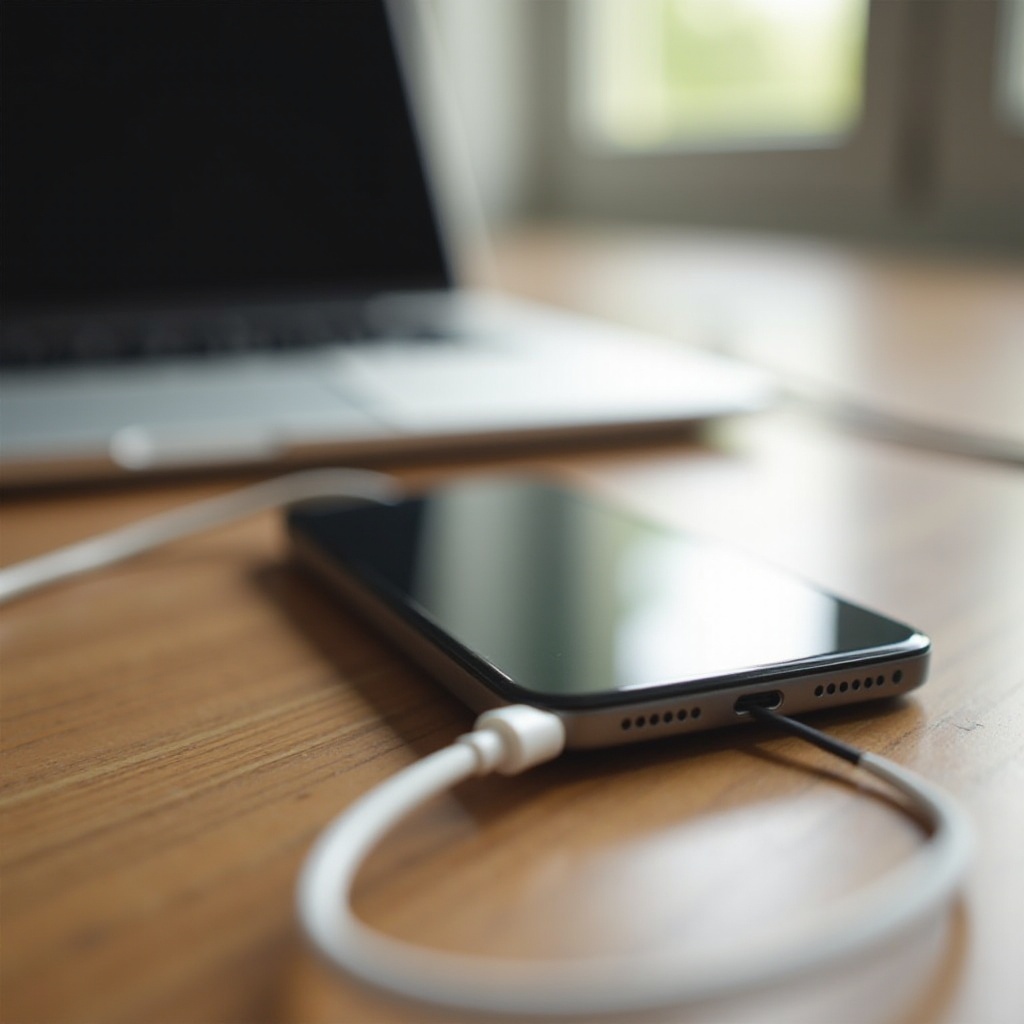
1. Check the Power Source and Cable: Ensure the wall outlet is functional by plugging in another device. Examine your charging cable for visible damage, such as bends or frays, which can impede charging.
2. Inspect the Charging Port: Use a flashlight to check your iPhone’s charging port for lint or debris that might block the connection. Gently clean it using a toothpick or a small brush.
3. Try a Different Charger: If possible, test another charger and cable combination. A different setup may reveal if the issue is with your original charger.
Software Solutions
If hardware seems fine, software might be the issue. Follow these steps:
– Restart Your iPhone: A restart can clear intermittent software glitches. Turn off your iPhone, then turn it back on to see if this resolves the issue.
– Update iOS: Software updates often include solutions for bugs causing charging problems. Navigate to Settings > General > Software Update and install any available updates.
Sometimes, simple software solutions can address persistent charging concerns. If these don’t help, proceed to the following advanced measures.
Advanced Troubleshooting
When basic fixes and software updates yield no results, deeper intervention may be required:
– Perform a Hard Reset: This forces your iPhone to restart completely and can mitigate more persistent software issues. Perform this by quickly pressing the Volume Up button, then the Volume Down button, and finally holding down the Side button until the Apple logo appears.
– Use DFU Mode for a Full Restore: Entering Device Firmware Update (DFU) mode allows a full restore of your iPhone, bypassing the operating system, which can solve significant problems but erases all data. Consider DFU mode only if other steps fail.
These advanced fixes often remedy software-based problems. However, they can also indicate hardware issues if unsuccessful.
Checking for Hardware Issues
Persistent problems may hint at hardware faults. Investigate these possibilities:
– Examine the Charging Port for Damage: Look for bent or damaged pins inside the port. Such damage might require professional repair or the replacement of the port.
– Consider Battery Replacement: Over time, batteries degrade. If your phone is a few years old, its battery might need replacing. Consult an Apple Store or authorized service provider for a battery health check and potential replacement.
Addressing hardware issues through these methods can determine whether professional assistance is necessary.
Preventive Maintenance Tips
Stave off potential charging problems with regular maintenance:
– Regularly Clean Your iPhone: Dust and debris should be regularly removed to prevent port blockages that can hinder charging.
– Use Certified Chargers and Accessories: Always use Apple-certified or high-quality third-party chargers and cables. Uncertified products can damage your iPhone and lead to charging issues.
Implementing these tips can prolong the life of your iPhone and maintain its charging efficiency.

Conclusion
In summary, an iPhone that won’t charge can be caused by a range of factors, from minor debris in the port to complex software problems. By following this guide, you can troubleshoot and potentially solve most charging issues yourself. If these solutions don’t fix the problem, consulting an expert at an Apple Store or authorized service provider is a prudent next step.
Frequently Asked Questions
Why is my iPhone charging slowly?
Slow charging can be due to low-power sources, damaged cables, or power-intensive apps running during charging.
Can a faulty battery cause charging issues?
Yes, an aged or damaged battery can prevent proper charging, indicating a need for replacement.
Is it safe to charge my iPhone overnight?
Modern iPhones stop charging at 100%, making overnight charging generally safe if using undamaged, certified equipment.