15 May 2026
Post by Elijah
Introduction
TCL televisions are renowned for their combination of quality and value. However, like any technology, they occasionally experience issues, particularly with the display. Picture-related problems can range from a blank screen to flickering or distorted images, which can frustrate users. This comprehensive guide aims to help you diagnose and resolve these issues efficiently. We’ll go through common problems, suggest troubleshooting methods, and point out when it’s time to seek professional help.
Common TCL TV Picture Problems
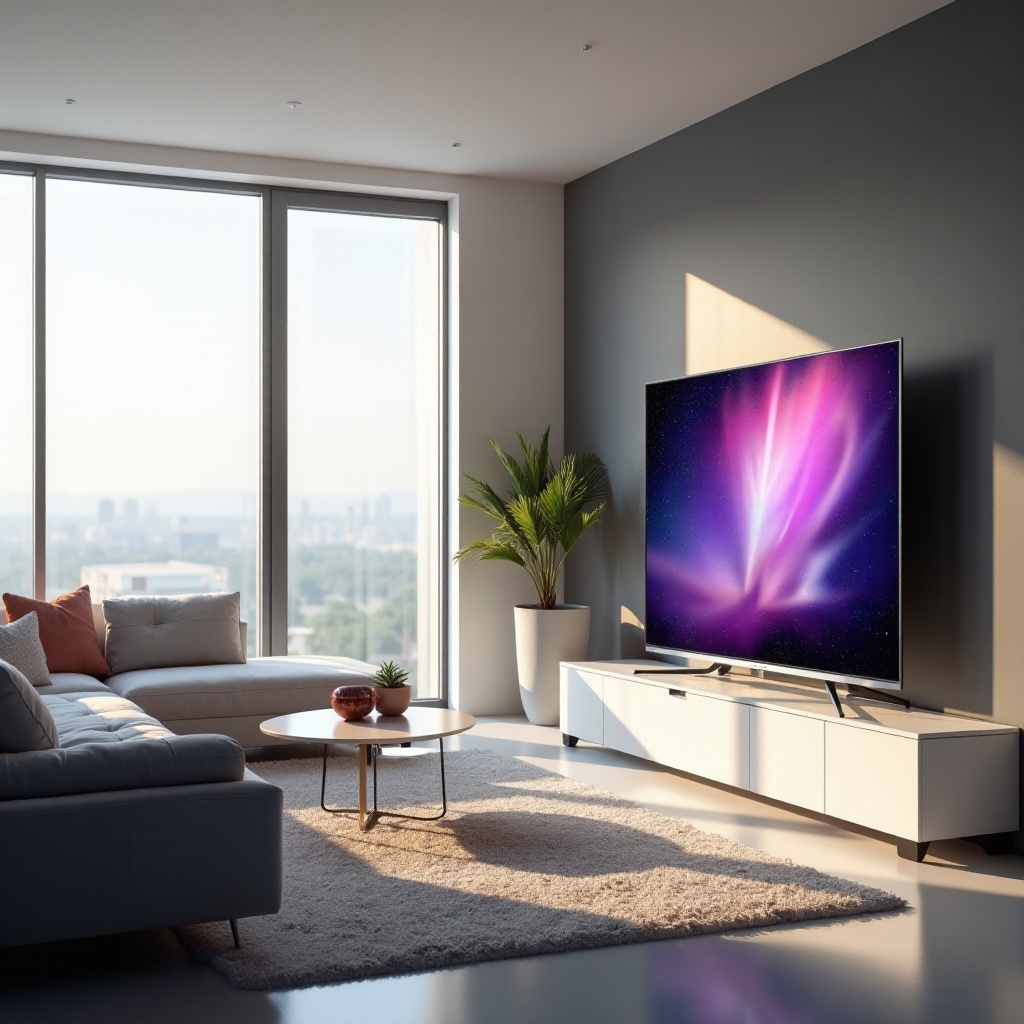
It’s crucial to know the types of picture issues that TCL TVs can face, as this understanding will aid in solving them. Here’s a look at frequent problems:
– No Display but Has Sound: This issue indicates a possible connection problem, where the TV receives a signal, but the picture fails to appear.
– Flickering Screen: A flickering display is not only annoying but could also suggest internal hardware or connection issues.
– Display Distortion: Distorted images, whether blurry or color-skewed, often stem from incorrect settings or faulty connections.
Identifying the specific problem is the first step toward finding an effective solution.
Initial Setup and Basic Checks
Once you’ve identified the problem, begin with a few fundamental checks. These basic steps can often solve or help pinpoint the issue.
1. Verify Power Connections: Ensure all power cables are connected securely and that the power source is functioning.
2. Check Input Source and Settings: Confirm the TV is set to the correct input source. Sometimes simply switching inputs can resolve display issues.
3. Inspect HDMI and Other Cables: Check and secure all cable connections, replacing any that are worn or damaged.
Completing these checks can often resolve minor issues or at least rule out common connection problems.
Troubleshooting Picture Issues
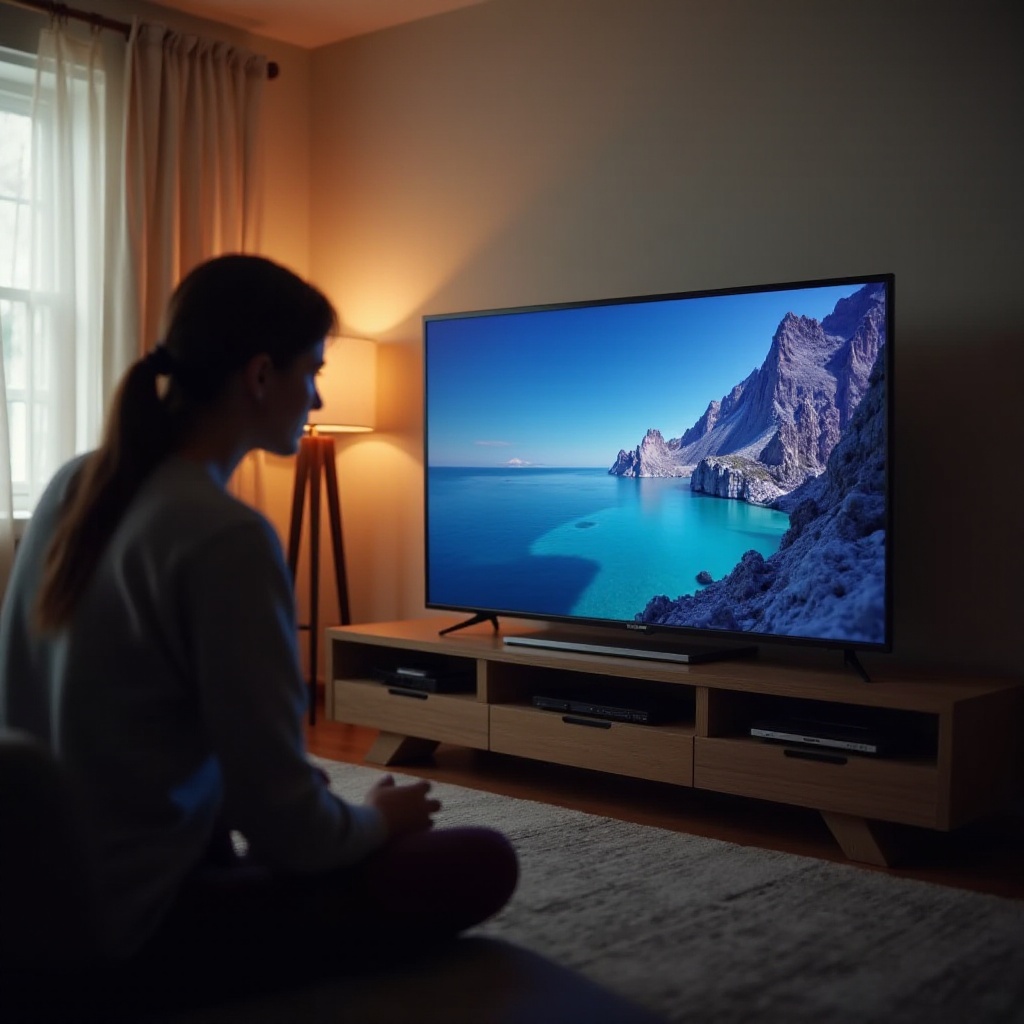
If basic checks don’t resolve the issue, deeper troubleshooting is necessary:
1. Restart and Power Cycle: Unplug the TV for a minute, then plug it back in. This simple step can reset internal functions and resolve many issues.
2. Software and Firmware Updates: Check your TV settings for firmware updates. Installing updates can solve existing bugs and improve performance.
3. Factory Reset Options: If other steps fail, consider a factory reset from the settings menu, which can clear software glitches.
These troubleshooting steps tackle a vast array of potential problems, ensuring that both software and hardware issues are addressed.
Advanced Diagnostic Techniques
When basic troubleshooting doesn’t work, advanced diagnostics may be necessary. These methods help narrow down persistent issues:
1. Check HDMI Ports and Switching Inputs: Testing different HDMI ports and replacing cables can reveal whether the issue is port-specific.
2. Use Built-in Picture Diagnostics: Utilize any diagnostic tools available within your TCL TV to guide further investigation.
3. Adjust Picture Settings for Best Quality: Delving into the picture settings to adjust brightness, contrast, and sharpness can help optimize display quality.
These advanced diagnostics can identify the root cause of more complex problems, offering targeted solutions.
When to Seek Professional Help
If troubleshooting doesn’t resolve the issues, professional help might be needed. Knowing when to reach out can save both time and hassle:
– Identifying Hardware Failures: Issues persisting after software adjustments may indicate hardware failures requiring professional repair.
– Warranty and Service Options: If your TV is under warranty, reaching out to an authorized service center might offer cost-effective solutions.
Understanding when you’ve reached the limit of DIY fixes is critical to preventing further damage or voiding warranties.
Conclusion
Tackling TCL TV picture issues effectively begins with recognizing common problems and following an organized approach to troubleshooting. While many fixes are straightforward, knowing when to consult a professional is essential for more severe issues. We hope this guide has given you the knowledge and confidence to address and resolve picture issues on your own.
Frequently Asked Questions
Why is my TCL TV screen black with sound?
This issue often indicates that the TV is receiving power but not displaying the video. Check your HDMI connections and input settings, and ensure the TV firmware is up to date.
How do I reset my TCL TV to fix display issues?
You can reset your TCL TV by going to the ‘Settings’ menu, selecting ‘System’, and choosing ‘Factory Reset’. This will restore the default settings, which can fix many software-related issues.
Can software updates fix my TCL TV’s picture problems?
Yes, software updates can resolve bugs and enhance your TV’s performance. Always ensure your TV is running the latest firmware to benefit from improvements and fixes.